4. Build — 8 种 builder + 9 种 material 别名
三种入口(按抽象高低排)
| 抽象层 | 语法 | 何时用 |
|---|---|---|
| 最高 — material 别名 | mat build mos2 | 经典材料、最快 |
| 中 — builder kind | mat build monolayer prototype=MoS2-2H | 参数微调 |
| 最低 — 从 MP 拉 | mat get mp-2815 | 数据库里查 |
入口 1:Material 别名(最常用)
bash
mat materials列全部别名(运行时输出):
| 别名 | 实际构造 |
|---|---|
mos2, tmd | monolayer prototype=MoS2-2H |
graphene, gr | honeycomb element=C a=2.46 |
hbn, h-bn | honeycomb element=B element-b=N a=2.504 |
bi | honeycomb element=Bi a=4.337 buckling=1.74 |
sb | honeycomb element=Sb a=4.025 buckling=1.65 |
as | honeycomb element=As a=3.607 buckling=1.40 |
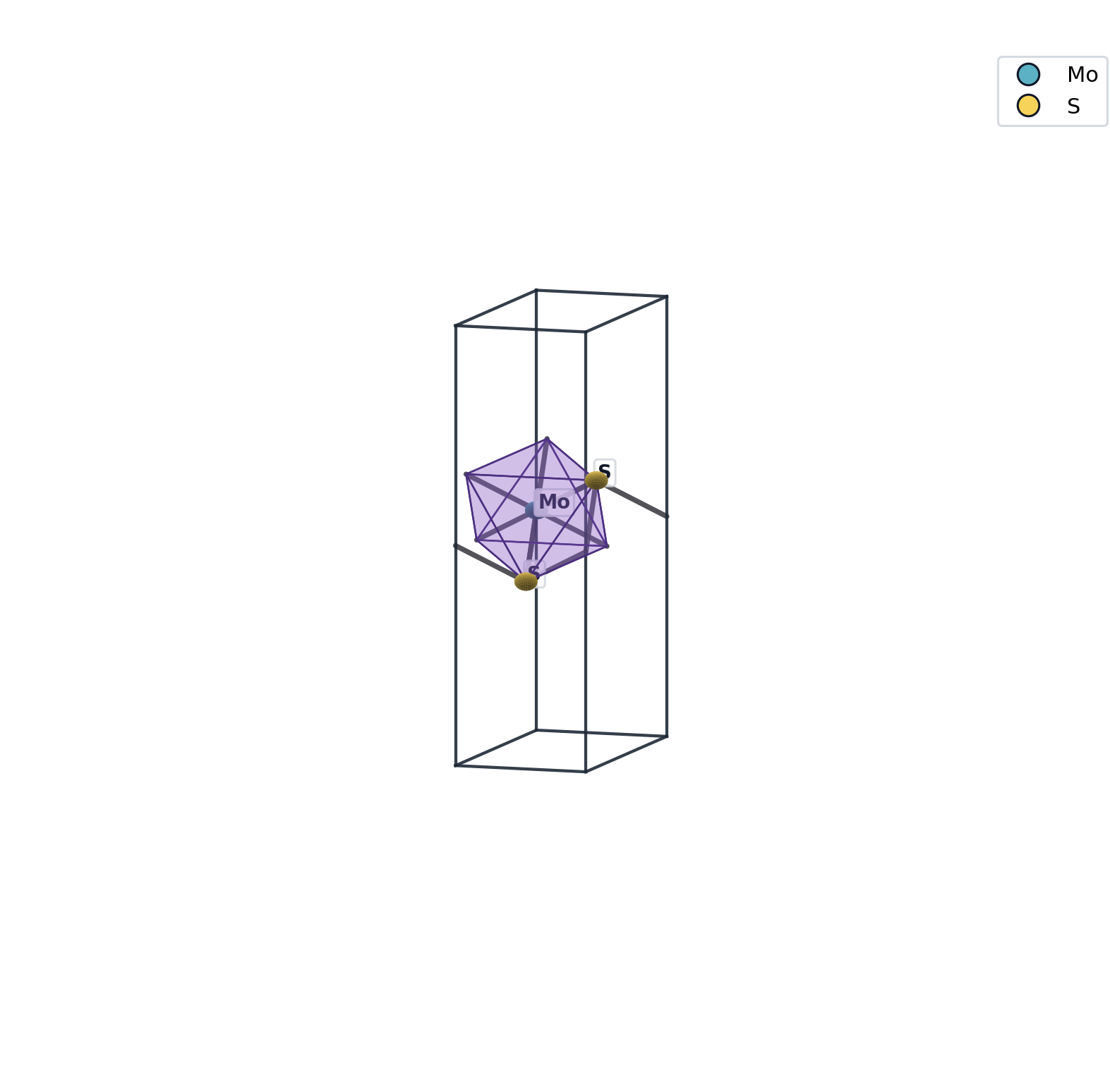
例 1:MoS2 单层
bash
mat build mos2 -q例 2:石墨烯
bash
mat build graphene -q例 3:hBN
bash
mat build hbn -q例 4:buckled Bi(群 V 单层)
bash
mat build bi -q别名也接受所有调整参数
bash
mat build mos2 strain=2%                  # 建好就施 2% 应变
mat build mos2 vacuum=25                  # 真空层 25 Å
mat build hbn a=2.6                       # 覆盖晶格常数
mat build hbn strain=3%                   # hBN + 3% 应变
施 3% 应变的 hBN(晶格变大):
施各向异性应变的 MoS2 (a:+3%, b:-1%):
入口 2:通用 builder kind
bash
mat build <kind> key=value ...| kind | 含义 | 关键参数 |
|---|---|---|
monolayer | TMD/钙钛矿单层(用 prototype) | prototype= (MoS2-2H, MoS2-1T, ...) |
honeycomb | 蜂窝晶格(六方双原子) | element= element-b= a= buckling= |
square | 正方晶格(单原子) | element= a= |
bilayer | 两层堆叠 | 两个 .vasp + interlayer= shift-xy= |
slab | 金属表面切片 | metal= miller=h,k,l layers= vacuum= |
octahedron | 单个 ABX6 八面体 | center= ligand= |
octa-pair | 两个共享 motif 的八面体 | center= ligand= mode=corner/edge/face |
octa-lattice | 钙钛矿样八面体阵列 | center= ligand= nx= ny= nz= |
例:Pt(111) slab
bash
mat build slab metal=Pt miller=1,1,1 layers=4 vacuum=15 -q例:MoS2 双层
需要先有底/顶两个文件:
bash
mat build mos2 -q                                    # → mos2.vasp
cp runs/001-run/mos2.vasp /tmp/a.vasp
cp runs/001-run/mos2.vasp /tmp/b.vasp
mat build bilayer /tmp/a.vasp /tmp/b.vasp interlayer=6.5 -q
入口 3:从 Materials Project
需要 MP_API_KEY:
bash
mat /mp list elements=Mo,S                # 列匹配条目
mat get mp-2815                           # 取 MoS2 的某个 entry
通用:lattice 后置参数(构造时直接调)
所有 builder 都接受这些键,会在结构造完后立刻施作:
| 键 | 效果 |
|---|---|
strain=2% | 双轴 2% 应变 |
strain=a:1%,b:-0.5% | 各向异性 |
vacuum=20 | 真空层 20 Å |
recenter=z | slab 居中 |
out=path | 显式输出路径(否则自动 <name>.vasp) |
例:
bash
mat build mos2 strain=2% vacuum=22 recenter=z out=runs/001-run/mos2-prepared.vasp一条命令完成"建 + 应变 + 真空调整 + 居中 + 命名"全部。
自动产物
每条 build 完成后,run dir 里产出:
<name>.vasp          POSCAR
<name>.png           VESTA 风格 3D 渲染
<name>.summary.md    formula / lattice / 2D slab+vacuum / motifs / sites
参见 Auto-artifacts。
2D 安全护栏
mat 内置以下保护,错的构造会被拒绝(除非传 force=1 强制):
- 真空层 < 8 Å → 报错(避免镜像间作用过强)
- c 长度 < slab 厚度 → 报错
- slab 没置中(如离 cell 边 < 1 Å)→ warning
详见 Lattice ops。
下一步: Motifs → 配位环境抽象 + connectivity graph
也可以直接看: Complex gallery — 10 个真实项目级复杂案例(多层、异质结、错位、表面吸附、缺陷簇)