3. Implicit context — 一次设定全程跟随
为什么需要
普通 CLI 每条命令都要传文件路径(反面例子,不是 mat 的写法):
text
# bad: 每条都重复路径
some-tool inspect   runs/001-demo/mos2.vasp
some-tool lattice   runs/001-demo/mos2.vasp
some-tool strain    runs/001-demo/mos2.vasp  --out runs/001-demo/mos2-s2.vasp
some-tool inspect   runs/001-demo/mos2-s2.vasp
每条都重复路径,给 agent 极易出错(拼错路径就崩)。gh 通过自动从 .git/config 推断 "当前 repo" 解决这个问题。mat 用同样的思路。
机制
./.mat-context.json 是一个 CLI 自动维护的小文件,结构:
json
{
  "current_structure": "/abs/path/runs/001-run/mos2.vasp",
  "current_run_dir":   "runs/001-run",
  "history": [
    {"op": "build.monolayer", "out": "...mos2.vasp", "ts": ..., "png": "mos2.png", "summary": "mos2.summary.md"},
    {"op": "lattice.update", "out": "...mos2.strain2pct.vasp", "ts": ..., ...}
  ]
}- 每个会写结构的命令完成后 → 自动
set_current(new_path),更新current_structure。 - 每个会读结构的命令开始时 → 如果没传文件,自动 fallback 到
current_structure。
解析优先级
读取 "当前结构" 时,按这个顺序找:
- 显式 CLI 参数(永远赢)
$MAT_STRUCTURE环境变量./.mat-context.json的current_structure- 启发式:
./POSCAR→./CONTCAR→ CWD 里最新的*.vasp/*.cif
也就是说,把 cd 到一个有 POSCAR 的目录,直接 mat motifs 就能跑——CLI 自动找到它。
示意
$ mat init -q
runs/001-run                              ← 创建 + 记入 current_run_dir

$ mat build mos2 -q
runs/001-run/mos2.vasp                    ← 记入 current_structure

$ mat motifs                              ← 没传文件!自动用 mos2.vasp
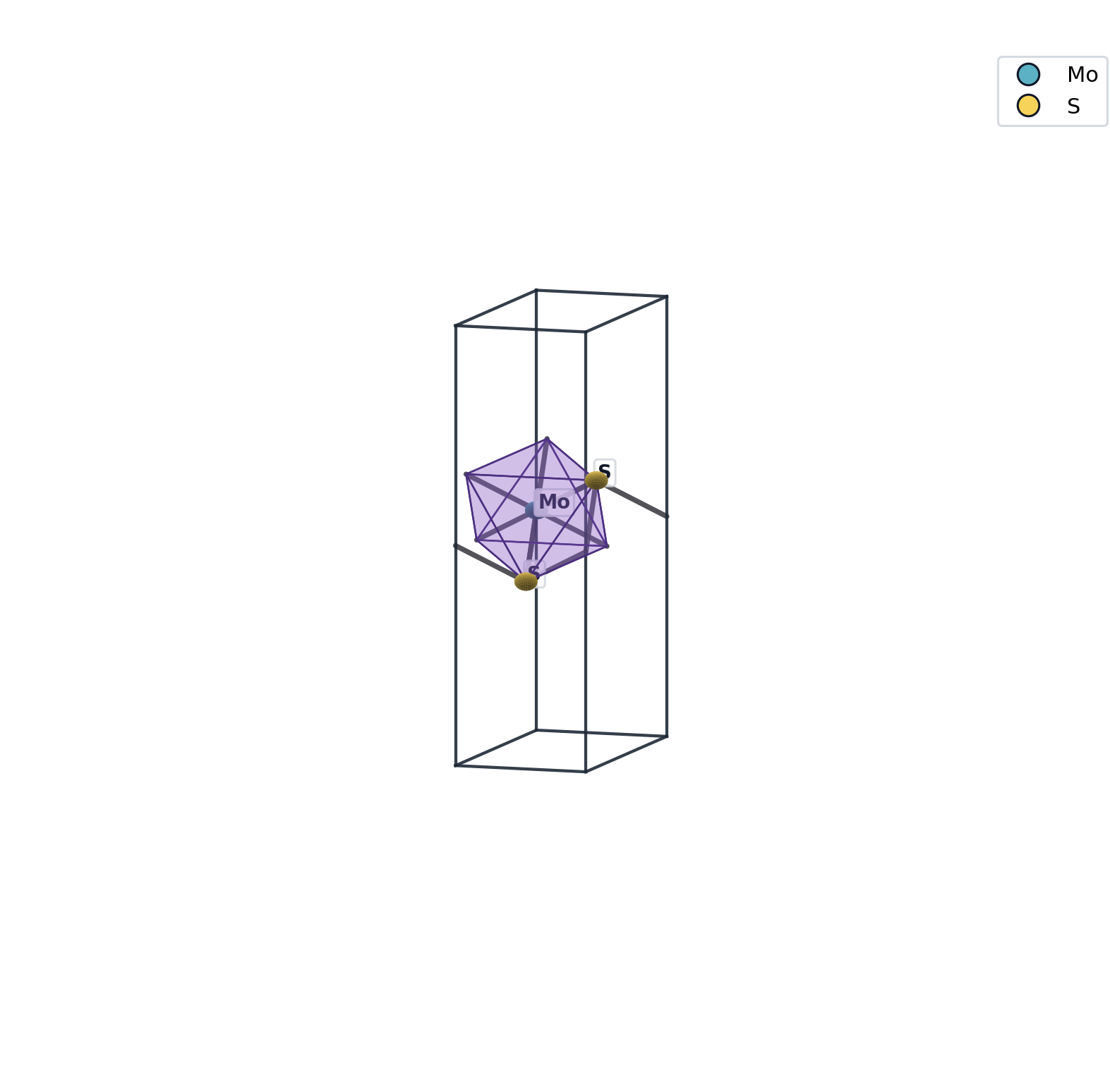
✓ 1 motif(s)
  mos6_octahedral_0001  ...

$ mat strain 2% -q
runs/001-run/mos2.strain2pct.vasp         ← current_structure 切到这里

$ mat motifs                              ← 现在用的是 strained 版本
✓ 1 motif(s)
  mos6_octahedral_0001  ...  (a 变了)
显式覆盖
任何时候都能传文件路径绕过 context:
bash
mat motifs <some-other.vasp>              # 用别的文件而不是 current
mat /lattice get <path/to/file.vasp>
或者用环境变量临时切换:
bash
MAT_STRUCTURE=/tmp/foo.vasp mat motifs完整 flow 对比
| 阶段 | 老方式(传路径) | mat(隐式 context) |
|---|---|---|
| 建结构 | mat build monolayer prototype=MoS2-2H --output mos2.vasp | mat build mos2 -q |
| 看 motif | mat motif find mos2.vasp --center Mo --ligand S | mat motifs |
| 施应变 | mat transform strain mos2.vasp --pct 2 --out s2.vasp | mat strain 2% -q |
| 看 motif | mat motif find s2.vasp --center Mo --ligand S | mat motifs |
| 平均 token | ~8 / 命令 | ~3 / 命令 |
多 run 切换
切换 run dir:直接 cd 进另一个 run 目录,或者修改 MAT_RUN_DIR:
bash
cd runs/002-other-experiment
mat                # now context shows this run's latest structure
或:
bash
MAT_RUN_DIR=runs/002-other-experiment mat build mos2 -q关闭隐式 context
不想用?设:
bash
unset MAT_STRUCTURE
rm .mat-context.json                      ← 直接删
也可以每次都显式传路径——隐式 context 只是缺省值,永远被显式覆盖。